Vermicelli E2E is a digital edge-to-edge quilting pattern delivered as a downloadable ZIP file. The sizing, placement, file-preparation, and thread-selection tips below describe general computerized quilting practice, not verified instructions for Vermicelli E2E. The listing does not state design dimensions or name specific compatible machines or software, and it names no designer. Follow your system’s instructions wherever they differ.
What This Edge-to-Edge Design Is
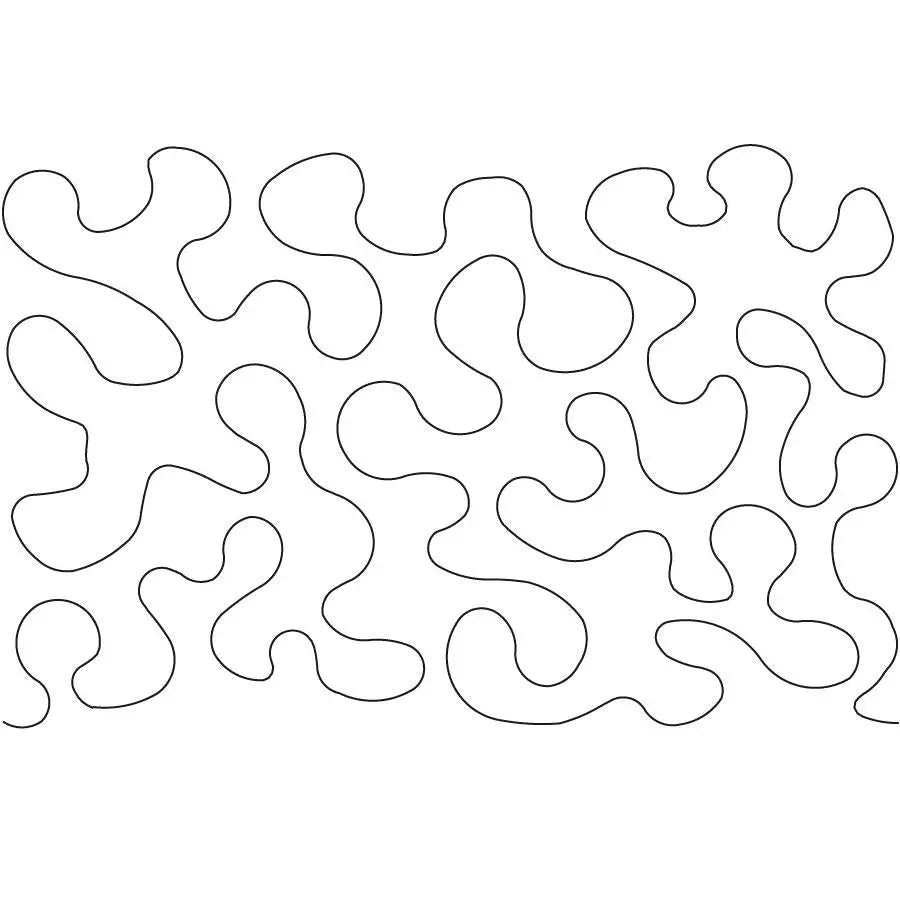
An edge-to-edge design is stitched in repeated rows across the whole quilt, giving all-over coverage instead of separate quilting for each block or border. The listing describes Vermicelli with tags such as meander, curl, swirl, and wave and identifies it as a computerized edge-to-edge pattern. That meandering, curling character makes it a useful choice when you want even texture across the whole quilt top rather than a distinct motif in each block.
Sizing the Design
Scale the design proportionally, keeping height and width in the same ratio so its shapes are not stretched or squeezed. A larger row height opens up the spacing between quilted lines, while a smaller row height brings those lines closer together. Stitch a small test sample at your chosen design size to see whether the spacing between quilted lines suits the look you want. Preview the scaled design against your quilt’s dimensions to estimate how many rows you will need and how a partial final row would fall.
Row Placement and Alignment
With the design size established, set the starting point for the first row in your software and preview the full row before stitching. When you advance the quilt for the next row, recheck your alignment marks and the row spacing before you stitch. Keep row spacing consistent so the all-over coverage stays even. Preview each new row on screen before stitching it, checking that its placement relative to the previous row matches your intended layout, with no unintended overlaps or gaps.
Getting the Download Ready
The download includes eleven file formats — .BQM, .DXF, .HQF, .IQP, .PAT, .PLT, .QCC, .QLI, .SSD, .TXT, and .WMF — so confirm your computerized quilting system reads one of those formats before you buy. Save the original ZIP file unchanged as your master copy, then extract its contents into a clearly named folder for the project you are about to stitch. Open the file in the format your system uses and view the complete design on screen, checking that it loads in full before the quilt goes on the frame. Keep a backup copy on separate storage so you can recover the design if your working file is lost or corrupted.
Thread Choice
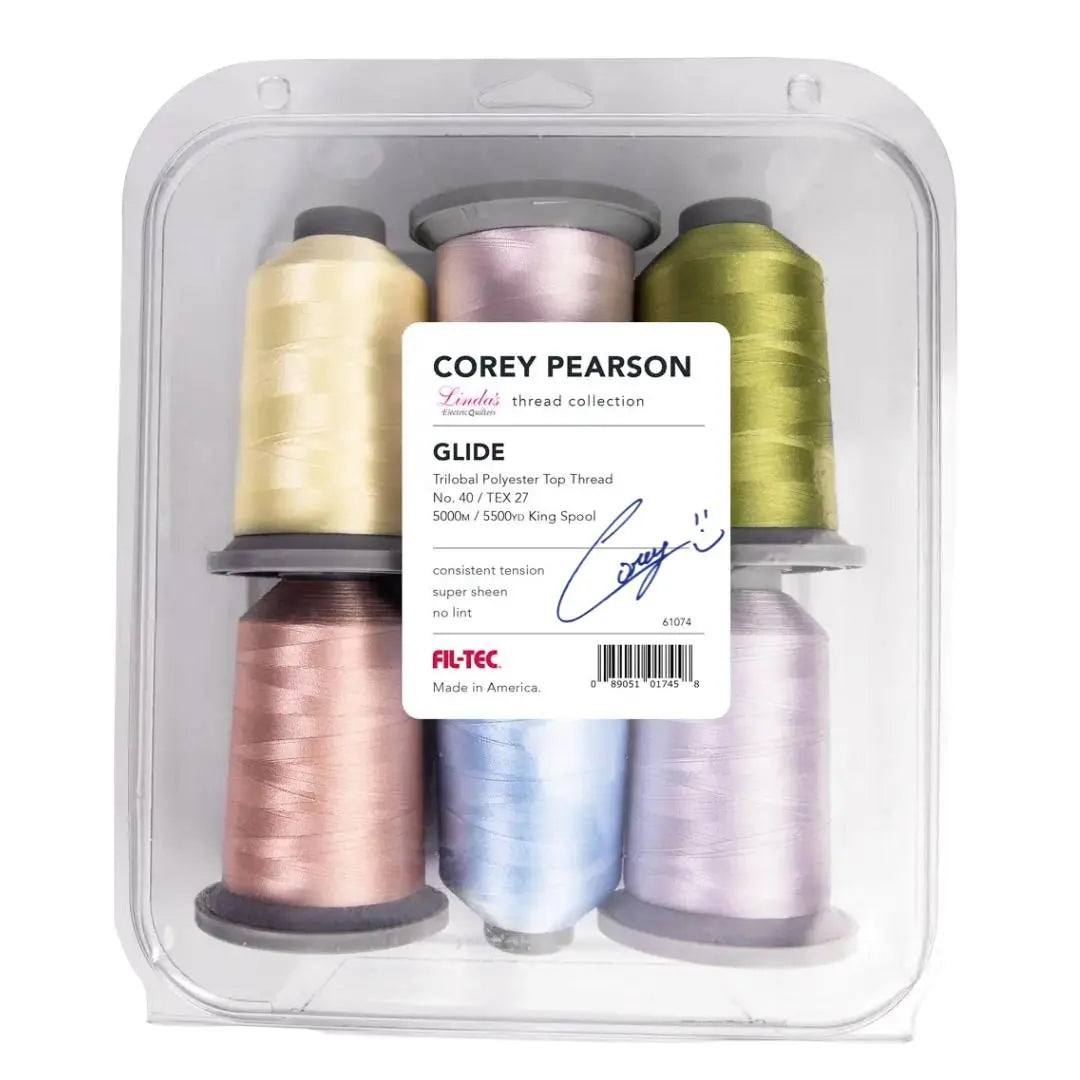
Build a small test sandwich from scraps that match the fabrics in your quilt top, and stitch the design at the size you plan to use. A thread that sits close in value to the background fabric lets the stitched shapes read mainly as texture, while a higher-contrast thread makes each outline stand out. View the stitched sample in daylight and under the lighting where the quilt will be used before choosing the thread for the finished project.
Shop the Vermicelli E2E at Linda's Electric Quilters.