Quick Summary
Longarm speed settings control how many stitches per minute the needle makes, and how the machine responds to your hands. Speed works together with mode and hand movement, since stitch length comes from the ratio between needle speed and how fast you move the carriage.
- Needle speed sets how many stitches per minute the machine makes.
- Manual mode keeps you in control of speed, while regulated mode links speed to your hand movement.
- Begin at 400-600 SPM in regulated mode for your first sessions, focusing on even stitches.
- If stitches start varying in length, drop 100-200 SPM before changing anything else.
- Stitch a 6-inch test line after each adjustment to check stitch length and evenness.
Table of Contents
- Manual vs Regulated Stitching Longarm: Choosing Your Mode
- Longarm Quilting Speed for Beginners: Starting Ranges
- How to Adjust Longarm Quilting Speed Step by Step
- Matching Stitch Length Settings to Your Hand Movement
- Troubleshooting Speed-Related Stitch Problems
- Your Next Practice Session: Test Stitching at Your Own Pace
- Frequently Asked Questions
How Longarm Speed Settings Work Together
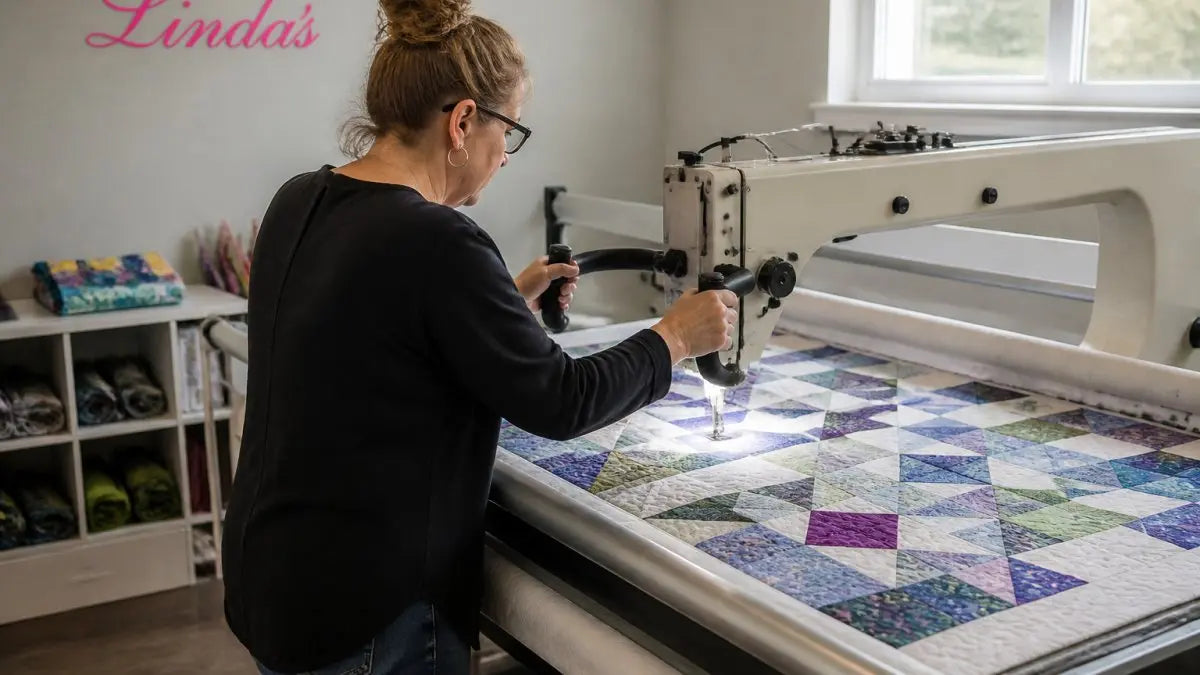
Longarm speed settings control how fast the needle moves and how the machine responds to your hands. Most quilters treat speed as one dial, but it works as a system: the speed you choose, the mode you run in, and the way your hands move all shape the stitches you get.
Here is the short version. Speed sets how many stitches per minute the needle makes. Mode decides whether the machine keeps that speed steady or lets your hand movement set it. Stitch length comes from how fast you move the carriage compared to the needle.
- Needle speed: stitches per minute the machine sends the needle
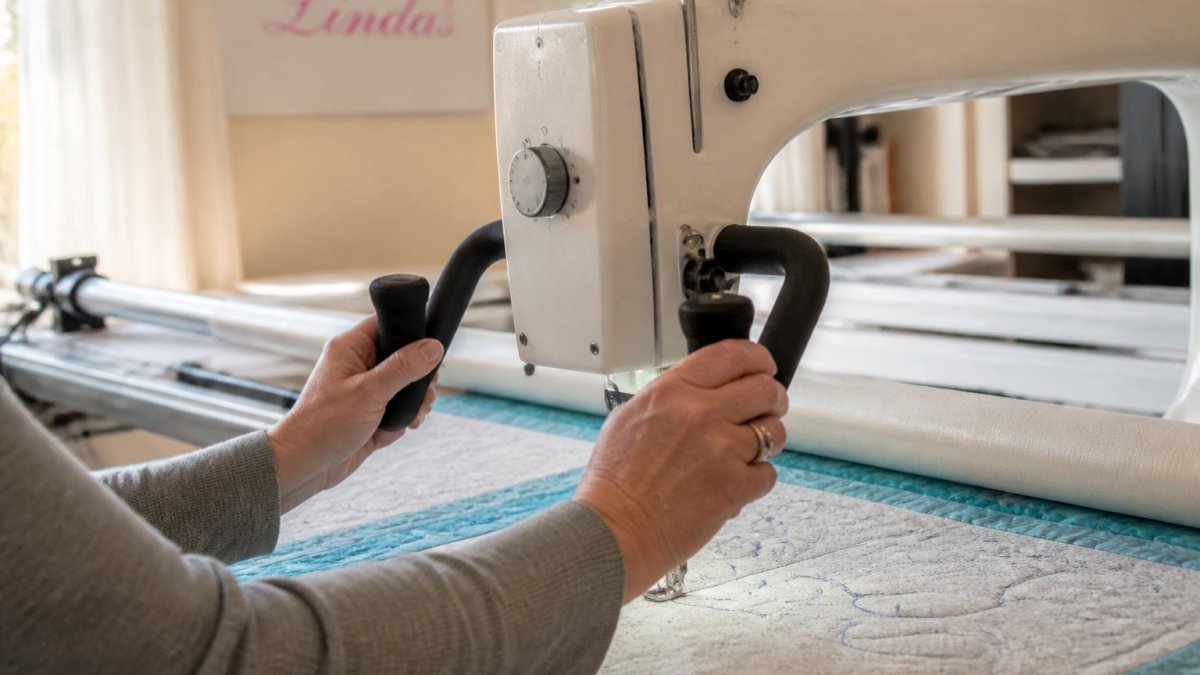
- Carriage movement: how fast your hands move across the quilt
- Stitch length: the distance between stitches, set by the ratio of the two above
- Mode: whether the speed is fixed or follows your hand movement
Manual vs Regulated Stitching Longarm: Choosing Your Mode
Manual mode means you control the needle speed directly with a foot pedal or dial, and stitch length depends on how fast you move. Compare manual and regulated modes in detail before you decide which one suits your design. Regulated mode, sometimes called stitch regulation, links the needle speed to your carriage movement so each stitch stays the same length no matter how fast you go.
Read your manual to confirm how your machine switches between modes.
Setting Minimum Cruise and Idle Speed
Minimum cruise speed is the slowest the machine will run once you start stitching. Idle speed is the rate at which the needle turns when the machine is on but you are not stitching.
Longarm Quilting Speed for Beginners: Starting Ranges
The usable speed range varies by machine model. Treat the numbers below as starting points, not rules, your manual is the authority for your machine's actual range and units. Browse beginner tips and tricks for longarm quilting to get comfortable on the machine first.
Starting SPM by skill level
- First sessions (getting the feel): 400-600 SPM in regulated mode, with slow, deliberate hand movement. The goal is even stitches, not speed.
- Building rhythm (a few hours in): 600-900 SPM regulated, or 500-700 SPM manual with a steady pedal.
- Comfortable free-motion: 900-1,200 SPM regulated for edge-to-edge work; drop to 600-800 SPM manual for detail and backtracking.
- Experienced, smooth motion: 1,200-1,800 SPM regulated on open, sweeping designs where your hands can keep pace.
Starting SPM by design type
- Meandering and stippling: moderate regulated speed (roughly 700-1,000 SPM) with a steady hand rhythm.
- Tight curves and pebbles: slower (roughly 400-700 SPM) so your hands can make small, accurate motions.
- Long straight edge-to-edge lines: moderate to faster regulated speed (roughly 900-1,400 SPM) because your hands travel farther per stitch.
- Ruler work: slow and controlled (roughly 300-600 SPM), often in manual mode, so the ruler foot stays against the ruler.
- Dense background fill: moderate speed with small motions; too fast crowds stitches and stresses thread.
Starting SPM by mode
Watch out: Pushing speed before your rhythm is steady is the fastest way to get skipped stitches and uneven rows. If stitches start varying in length, drop 100-200 SPM before changing anything else.
Mako Cotton 3-ply Longarm Thread 40wt 3280yds Natural White →
How to Adjust Longarm Quilting Speed Step by Step
- Warm up the machine. Run it briefly at idle to check for smooth operation.
- Set your mode. Choose manual or regulated based on the design.
- Set minimum cruise speed. Lower it if the start feels jerky.
- Choose a starting needle speed. Begin low for your first passes.
- Make a test sample. Stitch a 6-inch practice line using your planned thread.
- Check the stitches. Look for even length, no bunching, and no broken thread.
- Adjust in small steps. Change speed by a small amount, then test again.
- Record what works. Note the settings for each thread and design type.
Matching Stitch Length Settings to Your Hand Movement
Stitch length is a balance between your hands and the needle. See thread picks that suit beginner stitch lengths and practice work. In regulated mode, the machine adjusts speed to match your movement. In manual mode, you must match the pedal to how quickly you move the carriage.
Mako Cotton 3-ply Longarm Thread 40wt 3280yds Natural White is made specifically to handle the rigor of today's high-speed, high-tech longarm machines and has the added benefit of extra strength. It is listed at $38.00 at Mako Cotton 3-ply Longarm Thread 40wt 3280yds Natural White. Its listing describes it as virtually lint free and suitable for longarm quilting.

The article's key facts on speed and stitch control are easier to scan side by side.
| Symptom | Likely cause | Fix |
|---|---|---|
| Long stitches | Hand moving faster than needle | Raise needle speed slightly or slow hands |
| Short, bunched stitches | Needle speed too high for hand pace | Lower speed 100-200 SPM |
| Uneven stitch length | Inconsistent hand speed | Slow down and practice steady rhythm |
| Skipped stitches | Speed too high, dull or bent needle | Replace needle, retest at lower speed |
| Thread breakage | Speed too fast, tension too tight | Slow down, loosen tension in small steps |
Troubleshooting Speed-Related Stitch Problems
Speed problems and tension problems look alike, so diagnose in a fixed order. Change one variable at a time and stitch a 6-inch test line after each change.
Diagnostic sequence
- Confirm the symptom. Note whether stitches are long, short, uneven, skipped, or breaking thread, and where on the quilt it happens.
- Check the mode. In regulated mode, uneven stitches usually mean the encoder or stitch-length setting, not speed. In manual mode, uneven stitches usually mean hand speed and needle speed are mismatched.
- Test at a lower speed. Drop 200 SPM and stitch the same line. If the problem clears, speed was the cause; if not, move on.
- Check the needle. A dull or wrong-size needle causes skipped stitches that mimic a speed problem. Replace it before chasing settings.
- Check threading and tension. Rethread completely, then test. Thread breaks at speed often trace to a burr, a tight tension disc, or the wrong thread weight for the speed.
- Check timing only last. Skipped stitches that persist at low speed after a new needle and rethreading may point to timing, that is a service issue, not a speed setting.
Symptom-to-fix table
- Long stitches: hand moving faster than the needle. In manual mode, raise needle speed slightly or slow your hands; in regulated mode, check the stitch-length setting.
- Short, bunched stitches: needle speed too high for slow hand movement. Lower speed 100-200 SPM or increase hand pace.
- Uneven stitch length: inconsistent hand speed. Slow down and practice a steady rhythm before raising speed.
- Skipped stitches: speed too high for the thread or needle, a dull needle, or a needle that is slightly bent. Replace the needle, then retest at lower speed.
- Thread breakage: speed too fast for the thread weight, tension too tight, or a rough spot in the thread path. Slow down, loosen tension in small steps, and inspect the path.
- Frayed or shredded thread: needle too small for the thread, or speed causing heat and friction. Match needle size to thread weight and reduce speed.
When speed is not the cause
If stitches stay uneven at every speed, the issue is likely tension, threading, or machine timing. Rule those out with a fresh needle, a full rethread, and a test at your lowest cruise speed before assuming the machine needs service.
Your Next Practice Session: Test Stitching at Your Own Pace
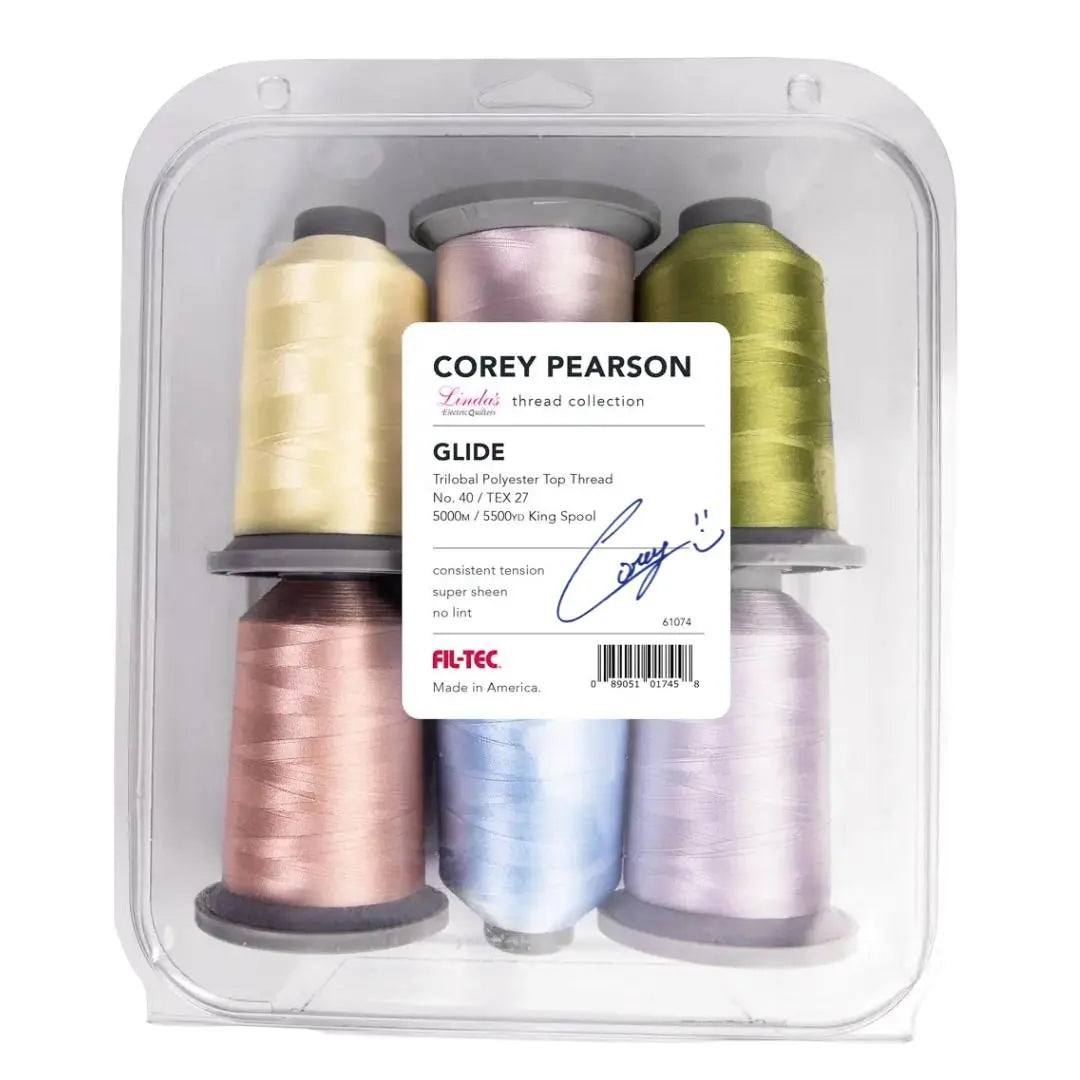
Practice is how speed control becomes natural. Find a thread to run your test stitches with. Start slow, build your rhythm, and raise the speed only when your stitches stay even. Learn how to baste a practice quilt sandwich onto the frame before you begin. Over time, you will know your machine's settings by feel, and the right speed for each design will come without guessing.
Frequently Asked Questions
What speed should a beginner use on a longarm quilting machine?
Most beginners do best starting at a slow, steady needle speed and increasing only after their hand movement feels smooth. Practice on muslin or practice fabric first, and keep the stitch length moderate so you can see each stitch clearly. As your control improves, raise the speed in small steps. Pacing yourself this way prevents the uneven stitches and rushed movements that often come from running a machine too fast before your hands are ready.
What is the difference between manual and regulated stitching?
In manual mode, stitch length depends on how fast you move the machine by hand and how fast the needle runs, so the stitches can vary when your speed changes. Regulated mode matches needle speed to your hand movement.
Why are my longarm stitches uneven at higher speeds?
Uneven stitches at higher speeds often come from moving the frame faster than the needle can keep up, or from inconsistent hand movement. Check that your speed setting is not too high for your current skill, and slow your hand movement to match the needle. Confirm that tension and threading are balanced, since those can make small speed changes look like stitch problems.